Kustomize Problem Statement Idealogy
This guide examines Kustomizes role in managing Kubernetes manifests across environments without duplicating YAML files.
In this guide, we’ll examine why Kustomize exists and how it helps you manage Kubernetes manifests across multiple environments without duplicating YAML files. You’ll learn:
- The drawbacks of maintaining separate manifests for each environment
- Core Kustomize concepts: Bases and Overlays
- Folder structure best practices
- How to apply Kustomize with
kubectl
The Pain of Duplicated Manifests
Imagine you have a simple NGINX Deployment that you want to run in dev, stg, and prod, varying only the replicas count:
```yaml theme={null}
base/nginx-deployment.yaml
apiVersion: apps/v1 kind: Deployment metadata: name: nginx-deployment spec: replicas: 1 selector: matchLabels: component: nginx template: metadata: labels: component: nginx spec: containers: - name: nginx image: nginx
A naïve solution is to copy this into three folders and change only the `replicas` value:

```bash  theme={null}
├── dev/nginx.yaml   # replicas: 1
├── stg/nginx.yaml   # replicas: 2
└── prod/nginx.yaml  # replicas: 5
kubectl apply -f dev/\ kubectl apply -f stg/\ kubectl apply -f prod/
Introducing Kustomize: Base + Overlays
Kustomize solves duplication by splitting your manifests into two layers:
| Concept | Purpose | File Example |
|---|---|---|
| Base | Shared resources and default values | base/nginx-deployment.yaml |
| Overlay | Environment-specific patches and config | overlays/stg/kustomization.yaml |
How It Works
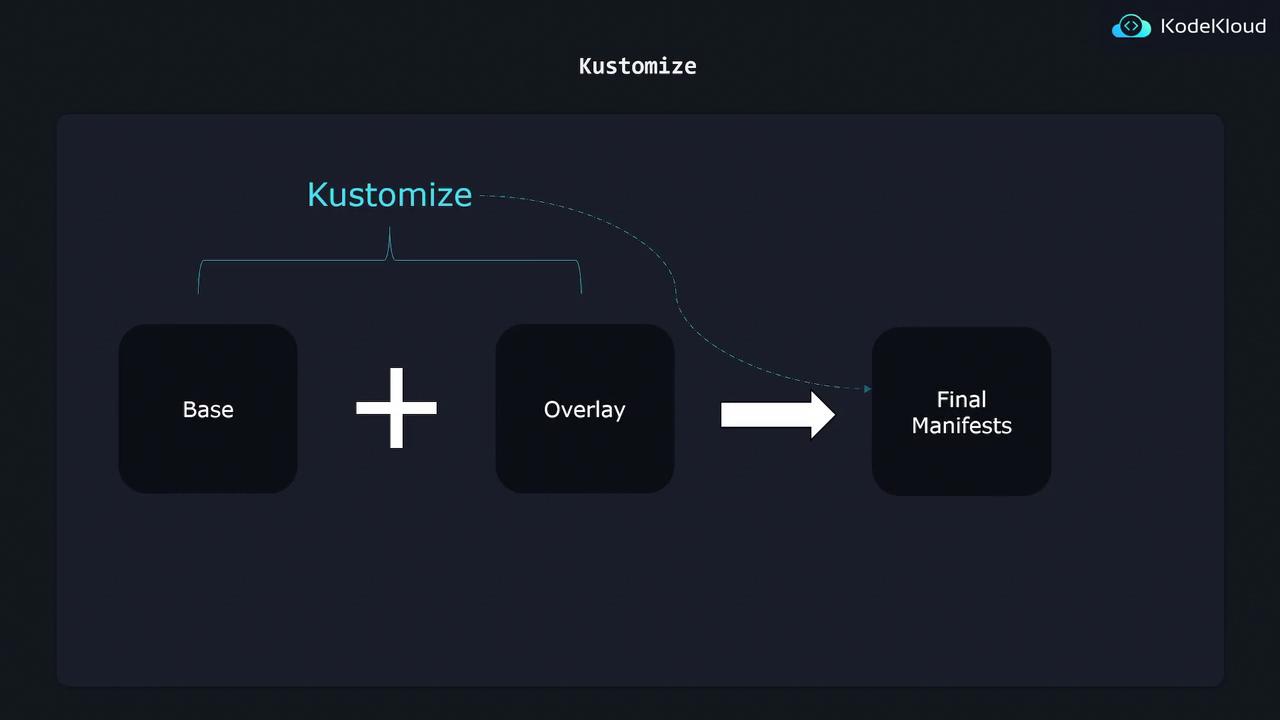
- Base: Contains common resources (Deployments, Services, ConfigMaps).
- Overlay: References the base and applies patches (e.g., change replica count).
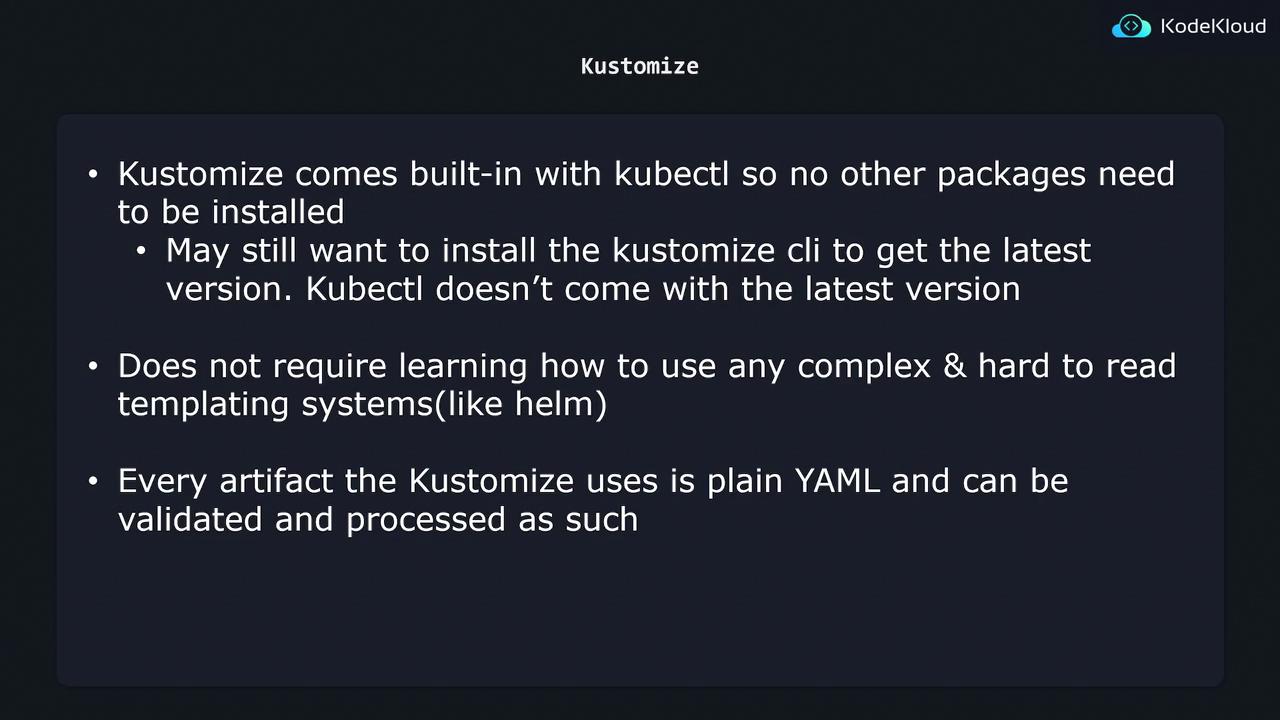
kubectl kustomize (or kubectl apply -k) without installing any extra tools. Everything remains plain YAML—no templating language to learn!
Defining Your Base
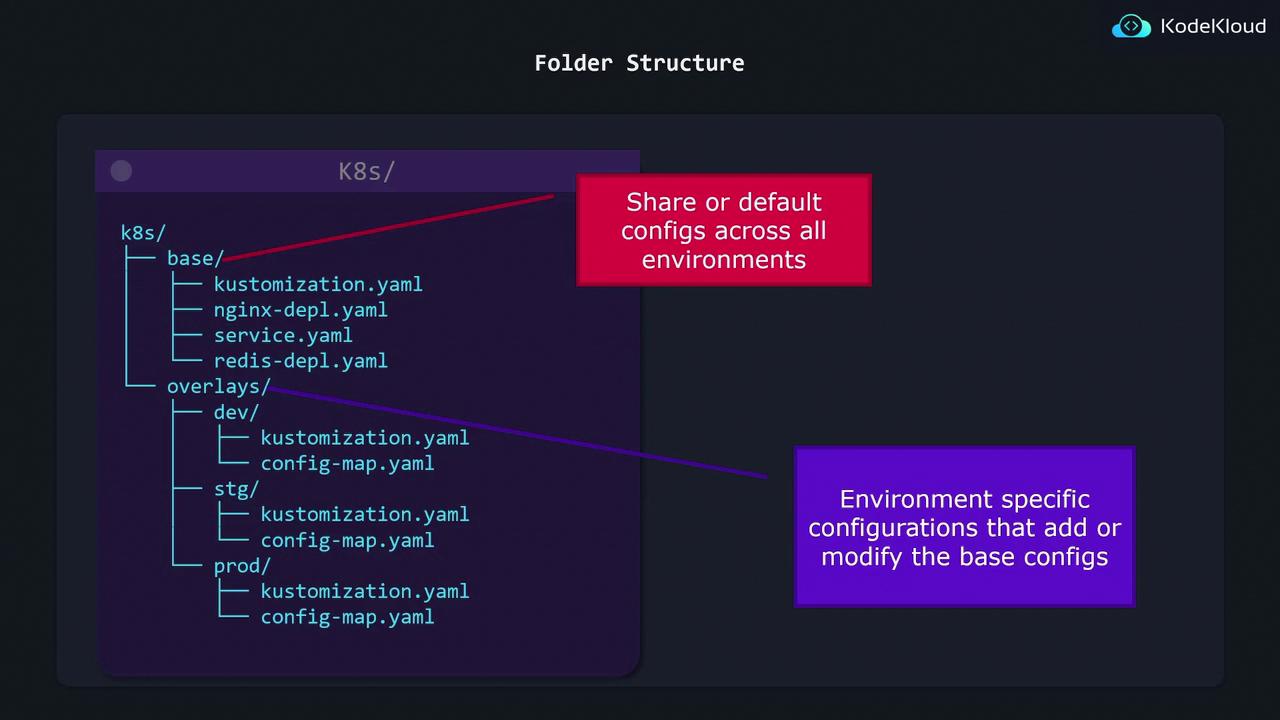
Create a base/ folder with a kustomization.yaml that lists all shared resources:
```bash theme={null} k8s/ └── base/ ├── kustomization.yaml ├── nginx-deployment.yaml ├── service.yaml └── redis-deployment.yaml
```yaml  theme={null}
# base/kustomization.yaml
resources:
  - nginx-deployment.yaml
  - service.yaml
  - redis-deployment.yaml
Creating Overlays
Each environment overlay only needs to patch what’s different. For example, staging increases the replica count:
```bash theme={null} k8s/ └── overlays/ ├── stg/ │ ├── kustomization.yaml │ └── config-map.yaml └── prod/ ├── kustomization.yaml └── config-map.yaml
```yaml  theme={null}
# overlays/stg/kustomization.yaml
bases:
  - ../../base
patches:
  - patch: |-
      apiVersion: apps/v1
      kind: Deployment
      metadata:
        name: nginx-deployment
      spec:
        replicas: 2
    target:
      kind: Deployment
      name: nginx-deployment
Building and Applying Final Manifests
When you run Kustomize, it merges the base plus your overlay to produce the final manifest:
```bash theme={null}
Generate and apply the staging manifests
kubectl apply -k overlays/stg/
***

## kubectl + Kustomize Integration

Kustomize is bundled with `kubectl`, so you can work with it immediately:

```bash  theme={null}
# Preview changes without applying
kubectl kustomize overlays/prod/

# Directly apply merged YAML
kubectl apply -k overlays/prod/
Summary
By separating Bases and Overlays, Kustomize lets you:
- Maintain one source of truth for shared configurations
- Apply minimal patches per environment
- Eliminate manifest duplication and drift
- Use plain YAML—no templating
For more details, check out the official Kustomize documentation.