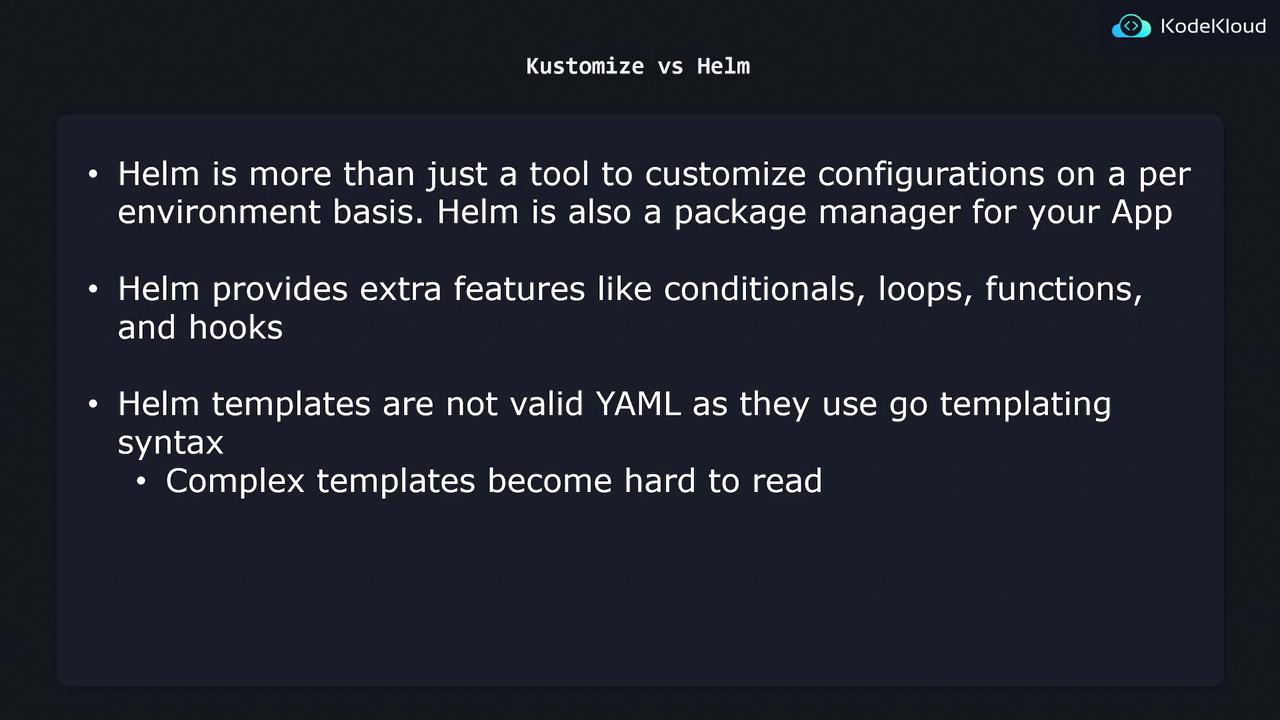
Kustomize vs Helm
This article compares Helm and Kustomize, two tools for managing Kubernetes manifests, highlighting their strengths, workflows, and trade-offs.
In this article, we’ll compare Helm and Kustomize—two popular methods for managing Kubernetes manifests across different environments. Understanding their strengths, workflows, and trade-offs will help you select the best fit for your project.
How Helm Works: Go-Templating in YAML
Helm uses Go templates to inject dynamic values into your Kubernetes manifests. Placeholders in the form of {{ .Values.variable }} are replaced at deploy time based on a values.yaml file.
```yaml theme={null}
templates/nginx-deployment.yaml
apiVersion: apps/v1 kind: Deployment metadata: name: {{ .Values.name }} spec: replicas: {{ .Values.replicaCount }} selector: matchLabels: app: {{ .Values.name }} template: metadata: labels: app: {{ .Values.name }} spec: containers: - name: {{ .Chart.Name }} image: "nginx:{{ .Values.image.tag }}"
When you run helm install my-app ./chart -f values.yaml, Helm merges the values into the templates, producing valid Kubernetes YAML:
```yaml theme={null} apiVersion: apps/v1 kind: Deployment metadata: name: my-app spec: replicas: 1 selector: matchLabels: app: my-app template: metadata: labels: app: my-app spec: containers: - name: my-chart image: "nginx:2.4.4"
<Callout icon="lightbulb" color="#1CB2FE">
  Use `--values` (or `-f`) to specify different environment files, e.g., `-f values.prod.yaml`.
</Callout>

## Helm Chart Structure

A typical Helm chart directory might look like:

```text  theme={null}
k8s/
├── environments/
│   ├── values.dev.yaml
│   ├── values.stg.yaml
│   └── values.prod.yaml
└── templates/
    ├── nginx-deployment.yaml
    ├── nginx-service.yaml
    ├── db-deployment.yaml
    └── db-service.yaml
- templates/: Kubernetes manifests with Go templating syntax.
- environments/: Separate
values.*.yamlfiles for each environment.
Feature Comparison
| Feature | Helm | Kustomize |
|---|---|---|
| Template Syntax | Go templates ({{ }}) |
Pure YAML overlays and patches |
| Conditional Logic & Loops | ✔️ Supports if, range, custom functions |
❌ Not supported |
| Packaging & Versioning | ✔️ Full-fledged chart packaging, dependencies, hooks | ❌ No built-in packaging |
| Valid YAML Before Rendering | ❌ Not valid until helm template runs |
✔️ Always valid YAML |
| Native Kubernetes Integration | ✔️ Widely adopted, independent CLI | ✔️ Built into kubectl |
Trade-offs: When to Use Each Tool
-
Use Helm if\ • You need advanced templating (conditionals, loops, custom functions)\ • You want packaging, versioning, and chart dependencies\ • You require lifecycle hooks (e.g., pre-install, post-upgrade)
-
Use Kustomize if\ • You prefer pure YAML without an extra rendering step\ • You want easy-to-read overlays and patches\ • Your customization needs are straightforward (e.g., changing images, labels)
Balance your project’s complexity and team familiarity when choosing between the two.