TODO
Fuck Terraform ici c'est Crossplane
Deployment Options
This article discusses various methods for managing Amazon EKS clusters, including AWS Console, CloudFormation, Terraform, and other tools.
Managing Amazon EKS clusters can be done in multiple ways—from point-and-click in the AWS Console to fully scripted Infrastructure as Code (IaC). Select the method that aligns with your team’s skills, automation goals, and compliance requirements.
1. AWS Management Console
Create an EKS cluster directly in the AWS Console by navigating to Kubernetes (EKS), clicking Create cluster, and completing the forms for Cluster name, Networking, Node groups, and Permissions.
Note
The console UI offers quick setup without writing code, but switching between IAM, VPC, EC2, and EKS tabs can be error-prone and difficult to reproduce at scale.
| Pros | Cons |
|---|---|
| No coding required | Manual steps; low repeatability |
| Visual feedback for each resource | Hard to automate CI/CD pipelines |
| Good for learning and demos | Inconsistent environment configurations |
2. AWS CloudFormation
Define your EKS infrastructure as code using CloudFormation YAML/JSON or the AWS Cloud Development Kit (CDK).
- CloudFormation templates: Hand-craft IAM roles, VPCs, subnets, security groups, and EKS resources.
- AWS CDK: Write TypeScript, Python, Java, or .NET code that synthesizes into CloudFormation.
| Feature | CloudFormation | AWS CDK |
|---|---|---|
| Syntax | YAML / JSON | TypeScript, Python, Java, .NET |
| Drift detection | ✅ | ✅ via synthesized templates |
| High-level constructs | Limited | Rich L2/L3 abstractions |
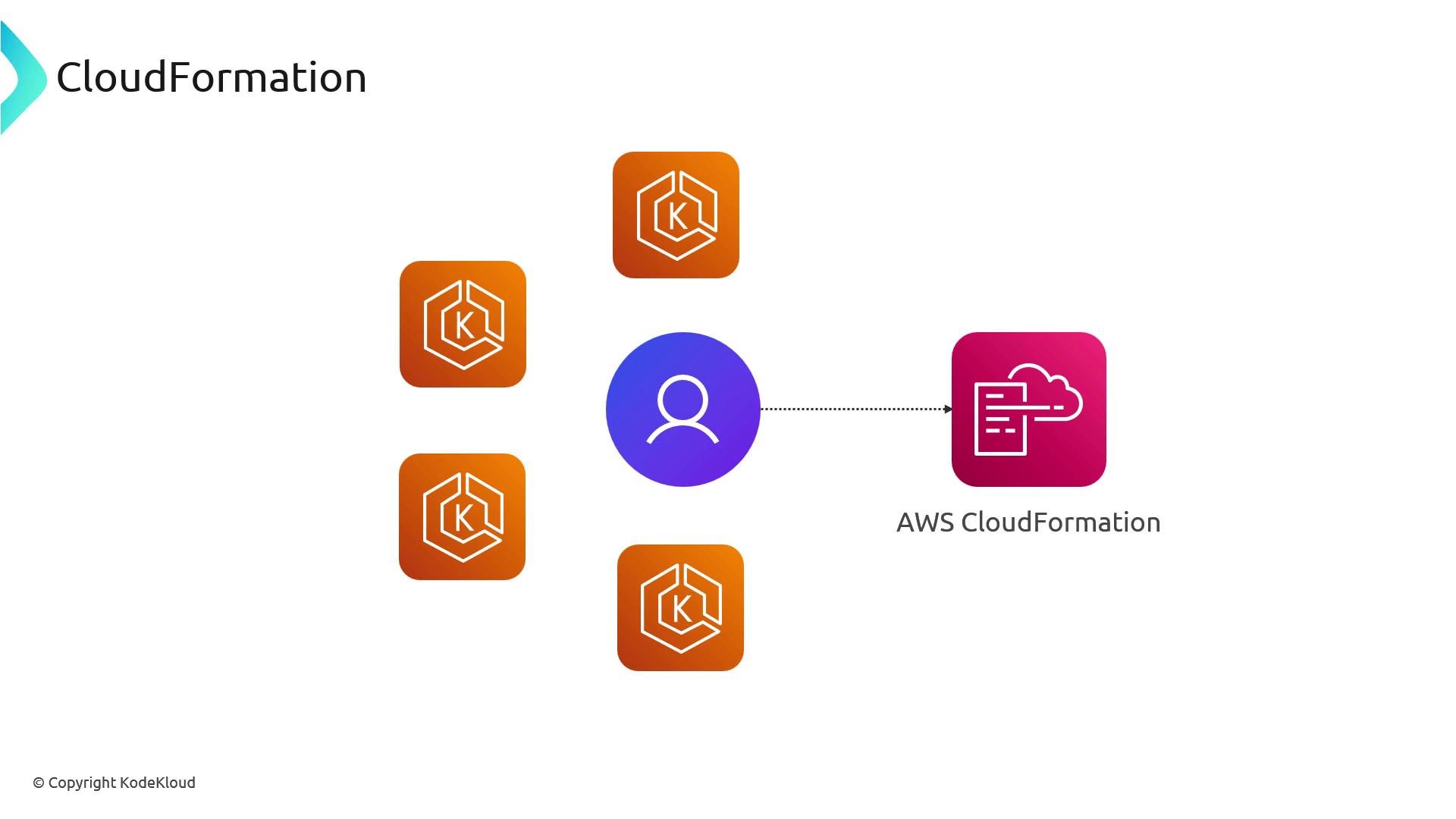
Parameterize your templates to spin up multiple clusters with consistent settings. Use Change Sets and drift detection to manage updates and rollbacks safely.
3. Terraform
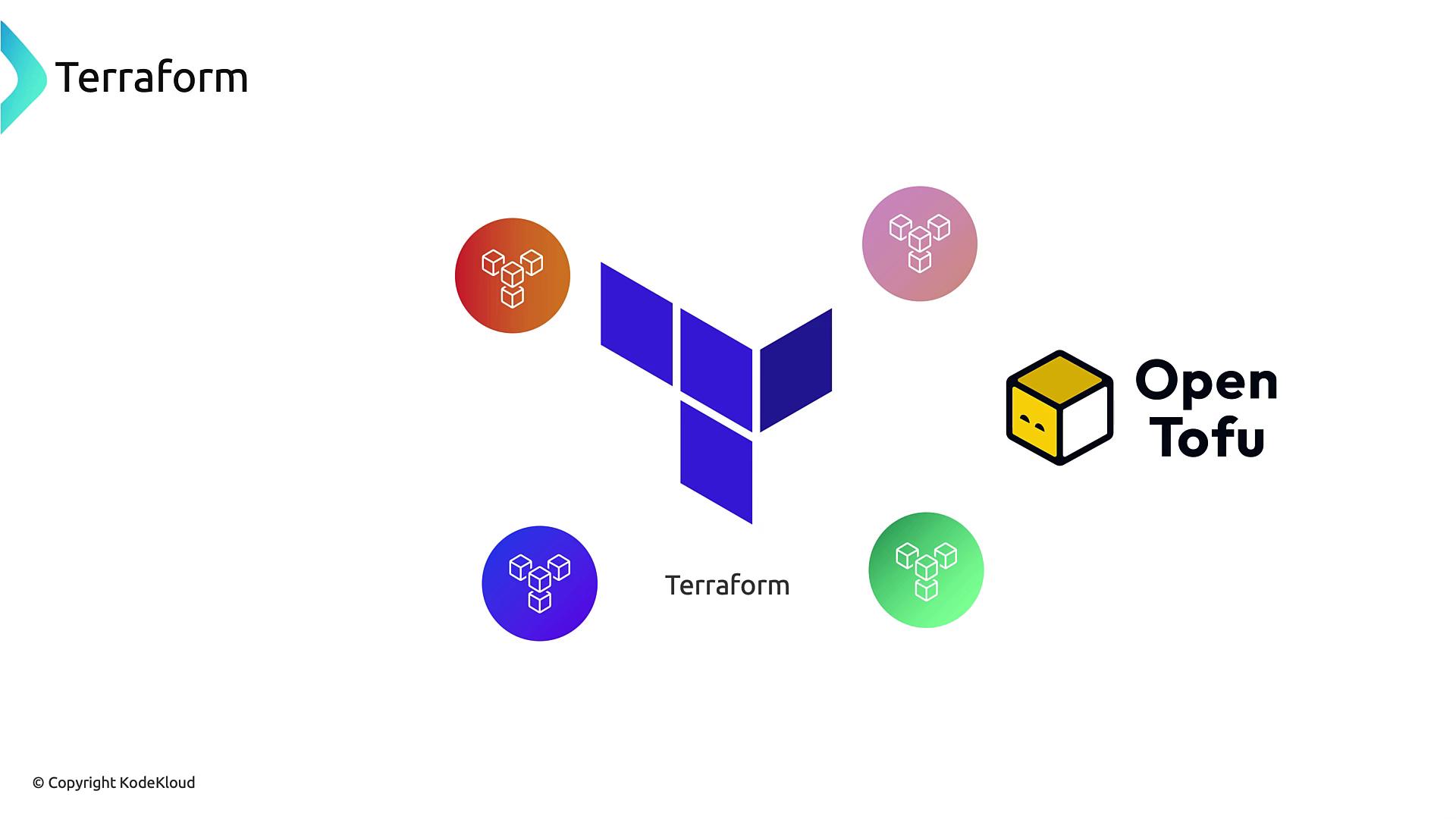
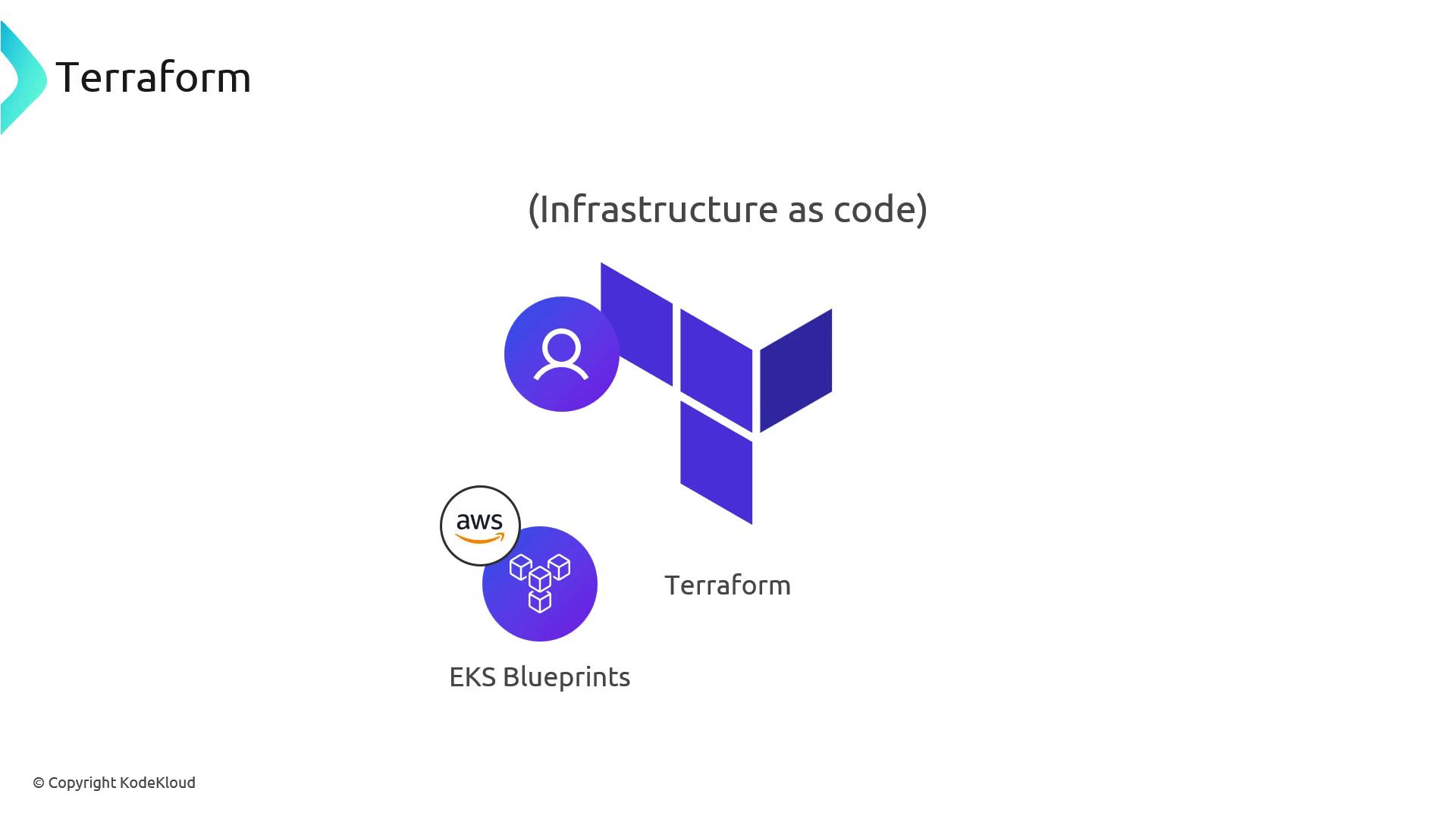
Terraform uses declarative HCL to provision EKS clusters. Leverage community or official modules from the Terraform Registry and AWS IaC Blueprints for best practices out of the box.
Warning
Terraform state management is your responsibility. Configure a remote backend (e.g., S3 + DynamoDB) to lock state files and prevent concurrent modifications.
| Feature | Details |
|---|---|
| Language | HCL |
| Official Modules | EKS Blueprints GitHub |
| State Backend | S3 + DynamoDB for locking |
| Responsibilities | AWS API access, credentials, state security, backend config |
4. Other Tools and Services
Several third-party and community-driven tools can simplify EKS cluster provisioning:
| Tool | Language / Approach | Description |
|---|---|---|
| Pulumi | Go, Python, TypeScript, .NET | Write IaC in general-purpose languages |
| Cluster API | Kubernetes manifests (CRDs) | Manage cluster lifecycle via Kubernetes operators |
| AWS CLI | Shell | Script aws eks create-cluster … with full AWS service access |
| SaaS Providers | N/A | Hosted control planes or operators that wrap Terraform/API calls |
No matter which path you choose, standardize on templates or scripts to ensure consistency and speed. In the next section, we’ll introduce lightweight tools for spinning up disposable test clusters in minutes.