Why Do We Need to Autoscale
This article explains the importance of autoscaling in Kubernetes to manage resources dynamically during traffic spikes.
When your application experiences an unexpected spike in traffic, manual intervention often comes too late. Autoscaling dynamically adjusts compute resources—whether nodes or Pods—to match demand, ensuring seamless performance and preventing costly downtime.
Benefits of Autoscaling
- Cost Savings: Autoscaling prevents overprovisioning by scaling down idle resources, reducing your cloud spend.
- Improved Availability: Automatically adds capacity during peak traffic—perfect for flash sales or feature launches.
- Efficient Resource Utilization: Matches compute to workload, avoiding crashes from insufficient capacity and idle infrastructure.
- True Elasticity: Adapts to unpredictable workloads without manual effort, a hallmark of cloud-native design.
- Fault Tolerance & Recovery: Distributes load and replaces unhealthy resources to maintain resilience.
- Simplified Operations: Frees your team from firefighting infrastructure so they can focus on building features.
Autoscaling Components in Kubernetes
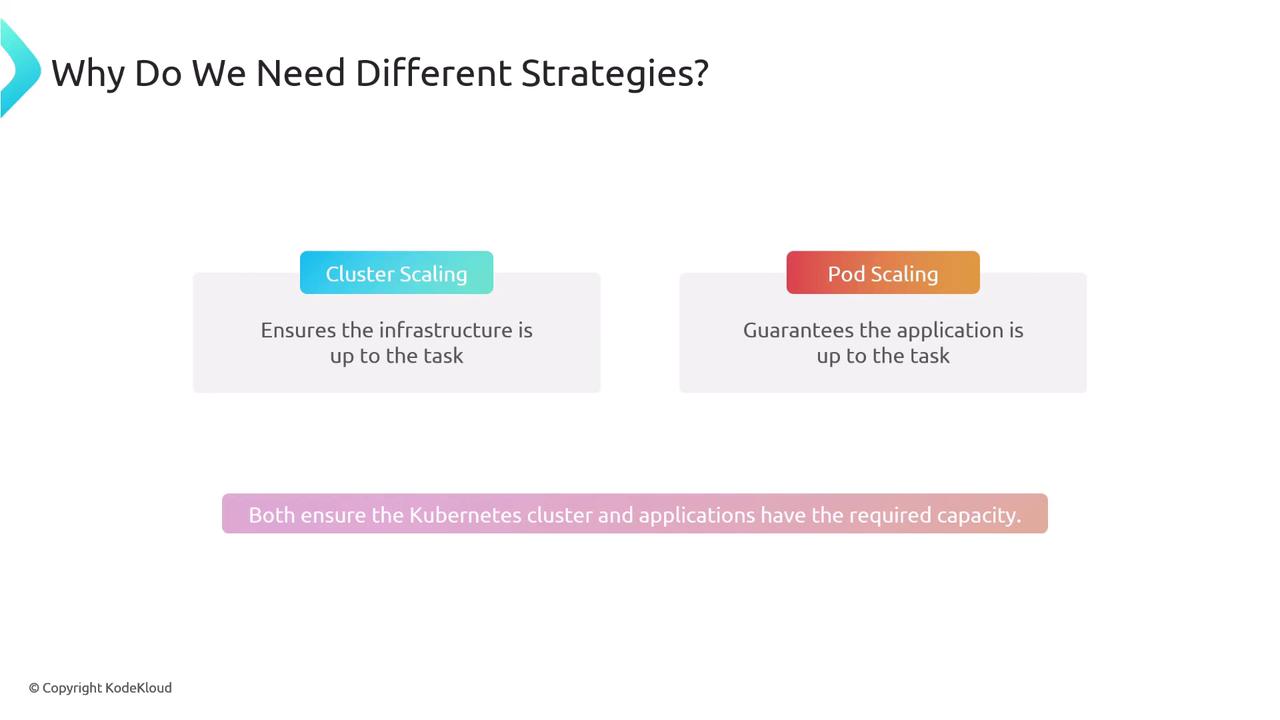
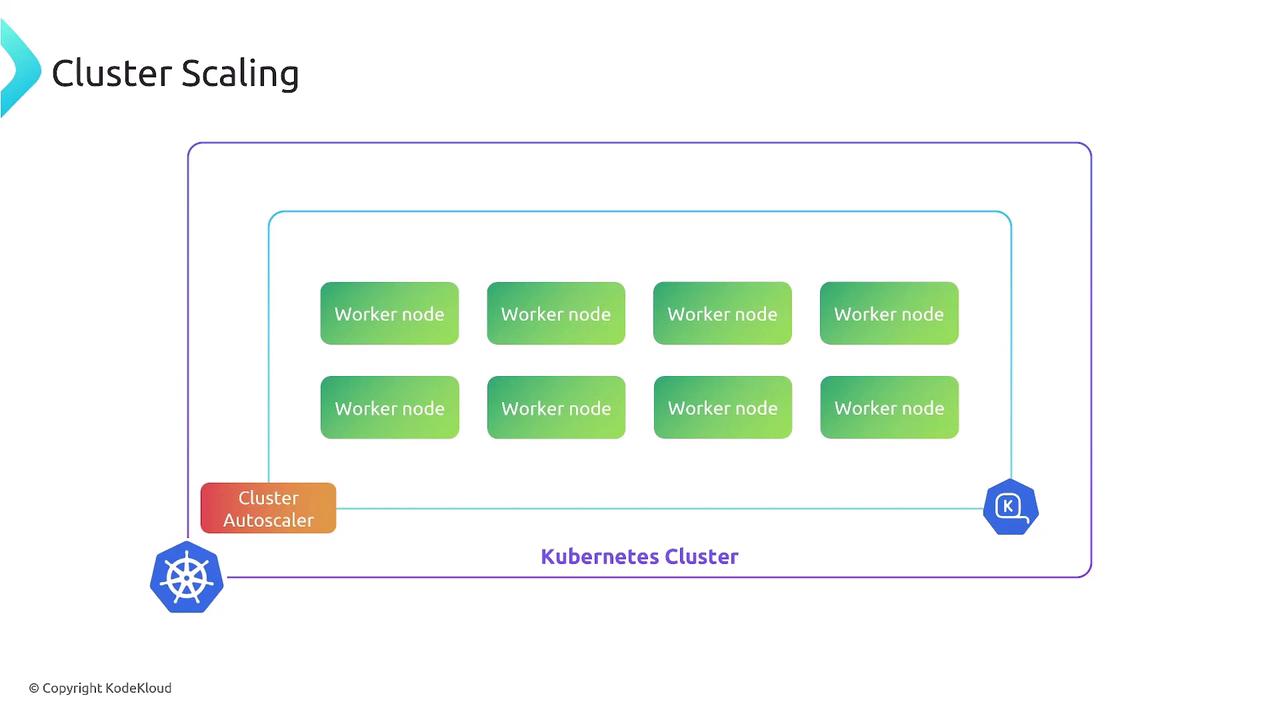
Kubernetes offers two primary autoscaling layers:
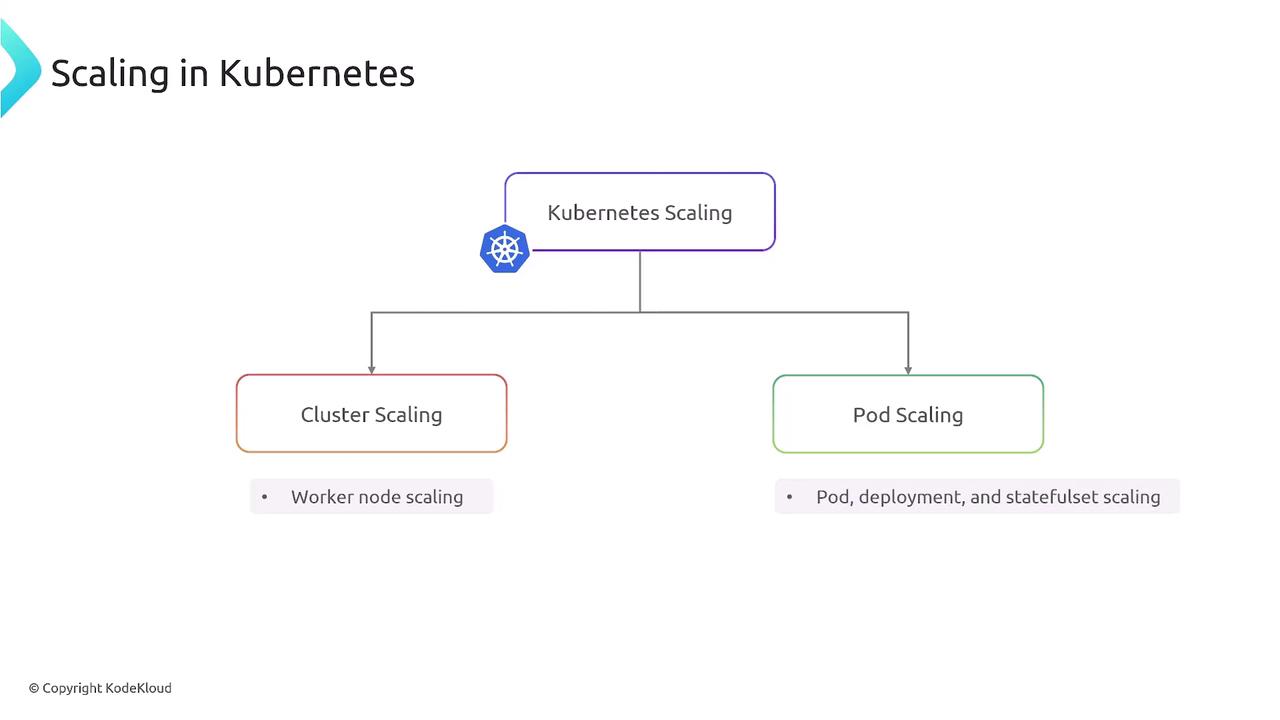
- Cluster Scaling adjusts the number of worker nodes (VMs).
- Pod Scaling modifies the replica count or resource requests of your applications.
Cluster Scaling
Cluster scaling manages your node pool size to ensure there’s enough CPU, memory, disk, or GPU capacity for all Pods. Kubernetes’ Cluster Autoscaler inspects pending Pods and resource requests, then adds or removes VMs accordingly.
# Example: Deploy Cluster Autoscaler on your cluster
kubectl apply -f https://github.com/kubernetes/autoscaler/blob/master/cluster-autoscaler/deploy/cluster-autoscaler.yaml
Core Autoscaling Tools
| Autoscaler | Purpose | Documentation |
|---|---|---|
| Cluster Autoscaler (CA) | Scale VMs based on pending Pods | GitHub |
| Horizontal Pod Autoscaler | Scale Pod replicas by CPU/memory | Kubernetes |
| Vertical Pod Autoscaler | Adjust Pod resource requests/limits | Kubernetes |
| KEDA | Event-driven scaling from external sources | KEDA |
Pod Scaling vs. Cluster Scaling
| Aspect | Cluster Scaling | Pod Scaling |
|---|---|---|
| What it adjusts | Number of worker nodes (VMs) | Number of Pods or resource settings |
| Primary impact | Infrastructure capacity | Application concurrency and throughput |
| Key benefits | Ensures node-level resources | Ensures right replica count & sizing |
Bringing It All Together
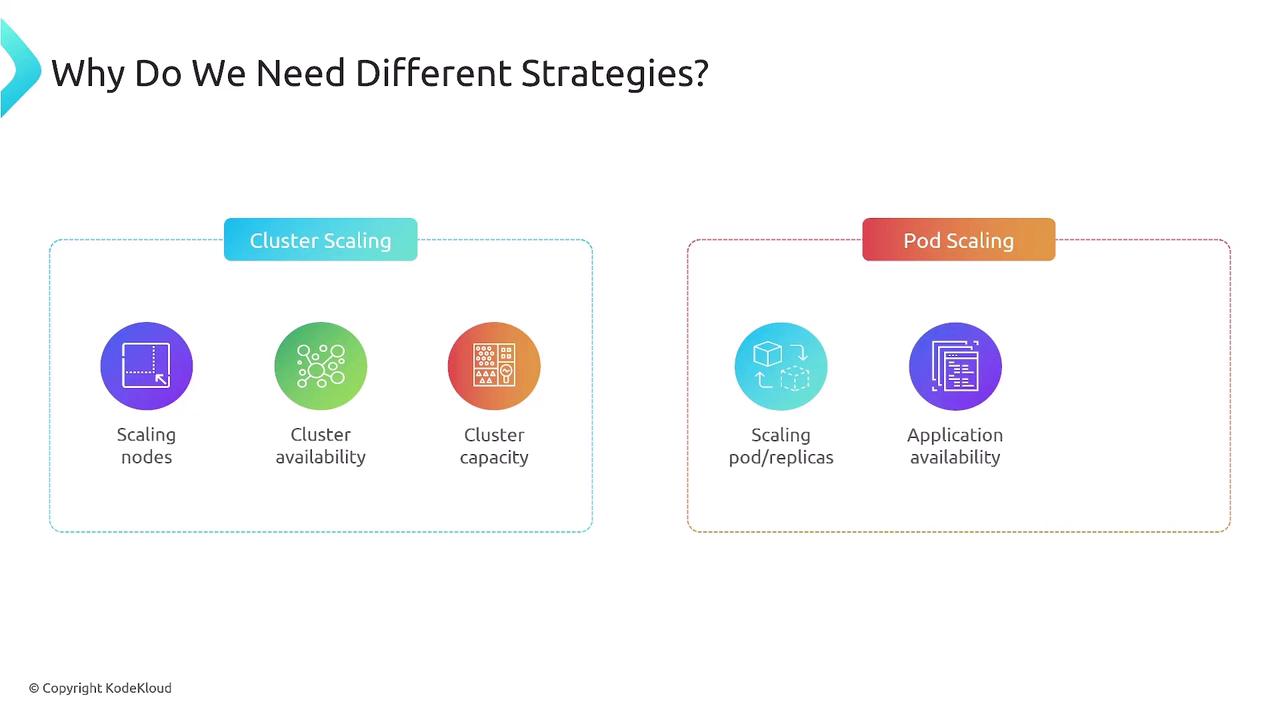
Effective Kubernetes autoscaling leverages both cluster and pod strategies:
- Cluster Autoscaler maintains sufficient node capacity.
- Pod Autoscalers (HPA/VPA/KEDA) tailor application replicas and resource requests.
Together, they ensure cost-efficient, resilient, and performant workloads in dynamic environments.