Direct Connect
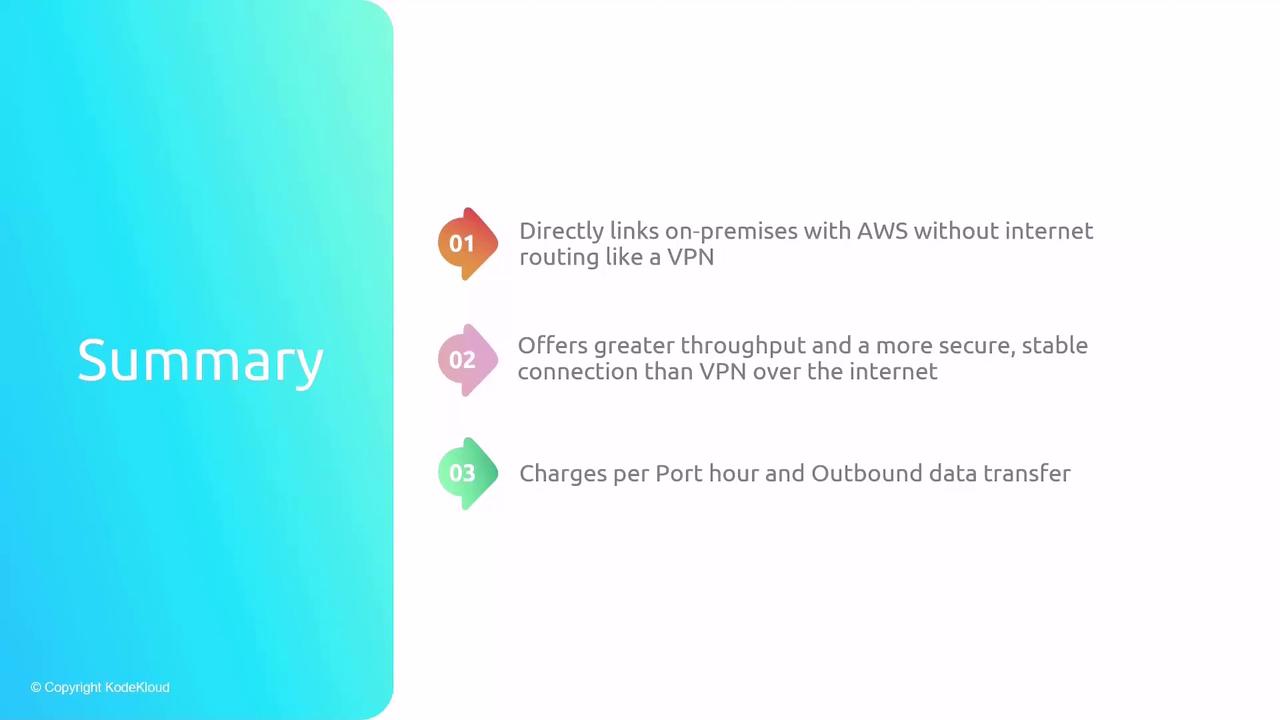
AWS Direct Connect offers a private, high-bandwidth link between on-premises environments and AWS, ensuring low latency, high throughput, and enhanced security.
AWS Direct Connect provides a private, high-bandwidth network link between your on-premises environment (data center, office, or colocation facility) and AWS. Unlike Internet-based VPNs over IPSec tunnels, Direct Connect offers dedicated 1 Gbps, 10 Gbps, or 100 Gbps connectivity, delivering consistent low latency, higher throughput, and enhanced security.
Key Components
| Component | Description | Role |
|---|---|---|
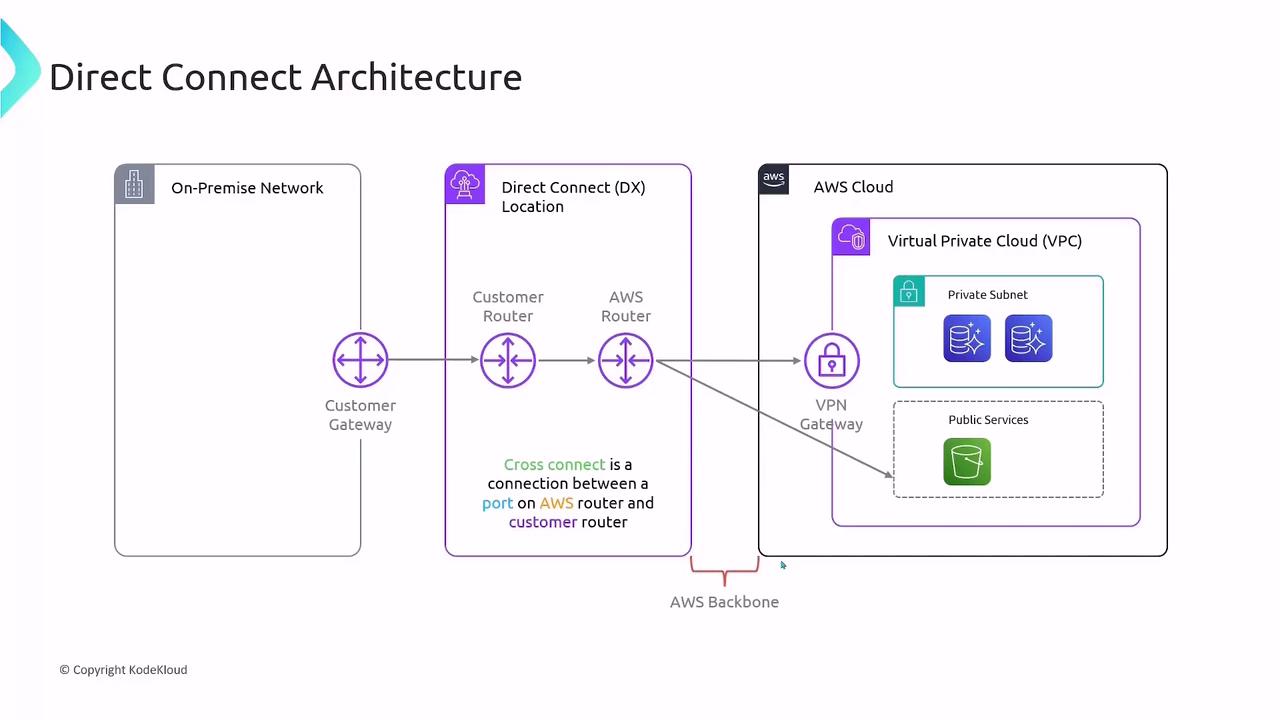
| On-Premises Network | Corporate data center or office network with an edge router or firewall. | Terminates the Direct Connect link on your side. |
| Direct Connect Location | AWS Partner or colocation facility where your customer router and AWS router meet. | Houses the cross-connect between you and AWS. |
| AWS Direct Connect Router | AWS-owned endpoint at the Direct Connect location. | Provides the physical port you lease for the connection. |
Establishing a Connection
- Order a Port\ Request a 1 Gbps, 10 Gbps, or 100 Gbps port in your chosen Direct Connect location.
- Cross-Connect Provisioning\ Work with the facility operator to install a cross-connect cable between your customer router and the AWS Direct Connect router.
- BGP Session Setup\ Configure Border Gateway Protocol (BGP) peering on both ends to exchange routes dynamically over the AWS global network.
Virtual Interfaces (VIFs)
After your physical link is active, segment traffic by creating virtual interfaces:
| VIF Type | Destination | Use Case |
|---|---|---|
| Private VIF | Virtual Private Gateway attached to your VPC | Access private subnets and EC2 instances. |
| Public VIF | AWS public endpoints (e.g., S3, DynamoDB) | Reach AWS public services over the AWS network. |
Each VIF leverages BGP to advertise and learn routes, ensuring efficient traffic flow.
Pricing Overview
With AWS Direct Connect, you incur two main charges:
| Charge Type | Description |
|---|---|
| Port Hours | Hourly fee per provisioned port, regardless of data usage. |
| Data Transfer Out | Standard AWS data transfer rates for outbound traffic. (Inbound is free.) |